
Before you begin
Sign in to WundertreOS and confirm the organization where you want to work. Have an approved test form with non-sensitive example data. Decide which forms and domains belong in this setup. Exclude login, account, payment, and other sensitive or internal forms before testing.
1 Review form capture
Open the intended pixel and select Form Capture. The Form Capture switch controls automatic form-submission capture. The switch saves its change directly, so review its current state before changing it.
2 Exclude unwanted forms
In Form Capture Exclusions, enter one CSS selector per line. A matching form, button, or container, including elements inside a matching container, is skipped. For example, a site-search form may use the example selector #site-search; use the actual selectors from your website. Correct any invalid-selector warnings and select Save.
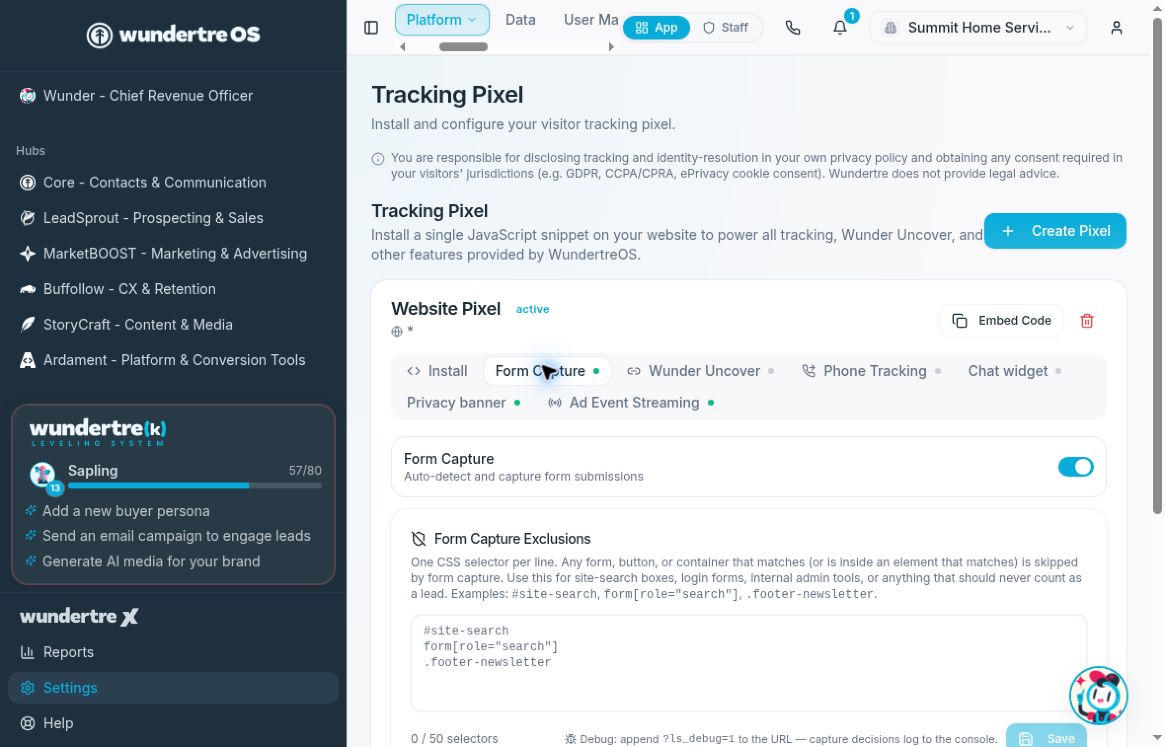
Review the Form Capture switch and save approved exclusions separately.
3 Review detected forms
Use the form inventory shown on the tab to inspect what has been detected. Test only an approved form with non-sensitive data and review its captured result. An inventory entry or enabled switch alone does not prove that the intended submission reached the expected record.
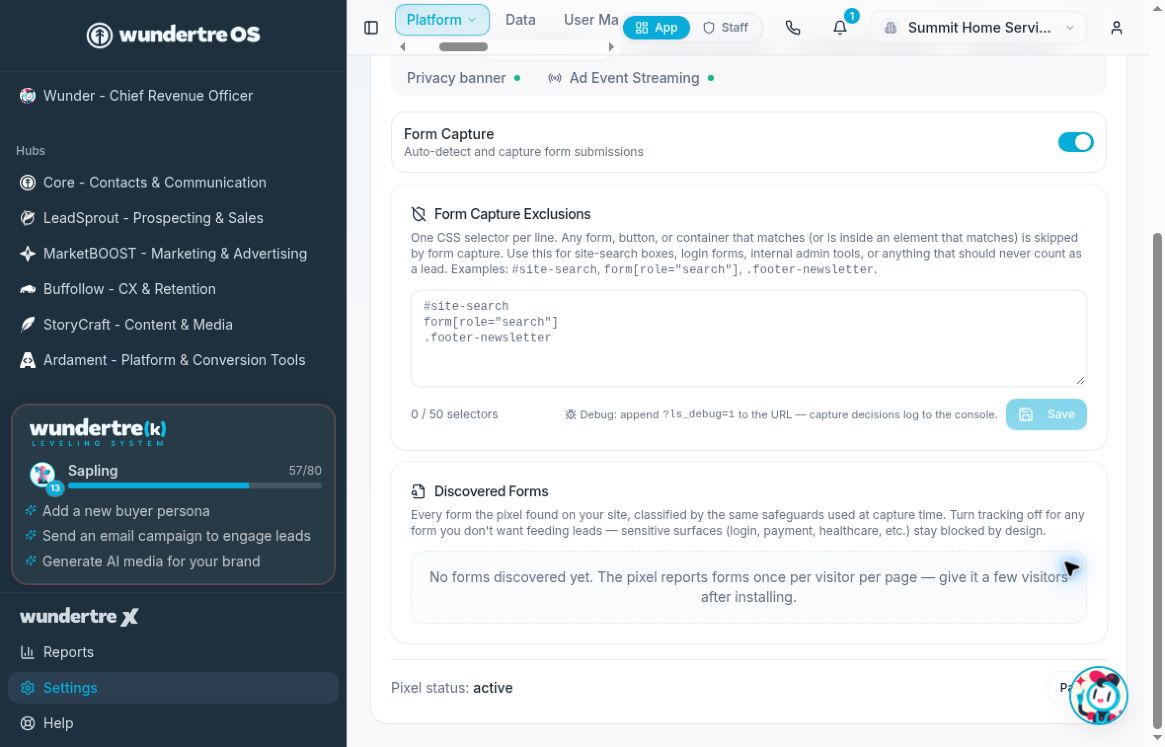
Discovered Forms is empty in this example. An enabled switch does not prove a submission was captured.
4 Link the intended domains
Open Install and find Linked Domains (cross-domain tracking). List the authorized sites using the same pixel, one domain per line, and select Save. The example has no linked domains; it does not demonstrate a cross-domain journey. The panel states that subdomains are covered automatically. Do not list unrelated sites merely to expand tracking.
5 Check a controlled journey
In an approved test, move between the linked test sites and review the resulting journey and source information. Also test an excluded form to confirm it does not create an unwanted capture. Keep both tests within the visitor’s consent choices.
What to check
Check actual allowed-form capture, actual exclusion behavior, and the linked-domain journey separately. A saved selector or domain list is configuration, not a verified result.
Example planning checklist
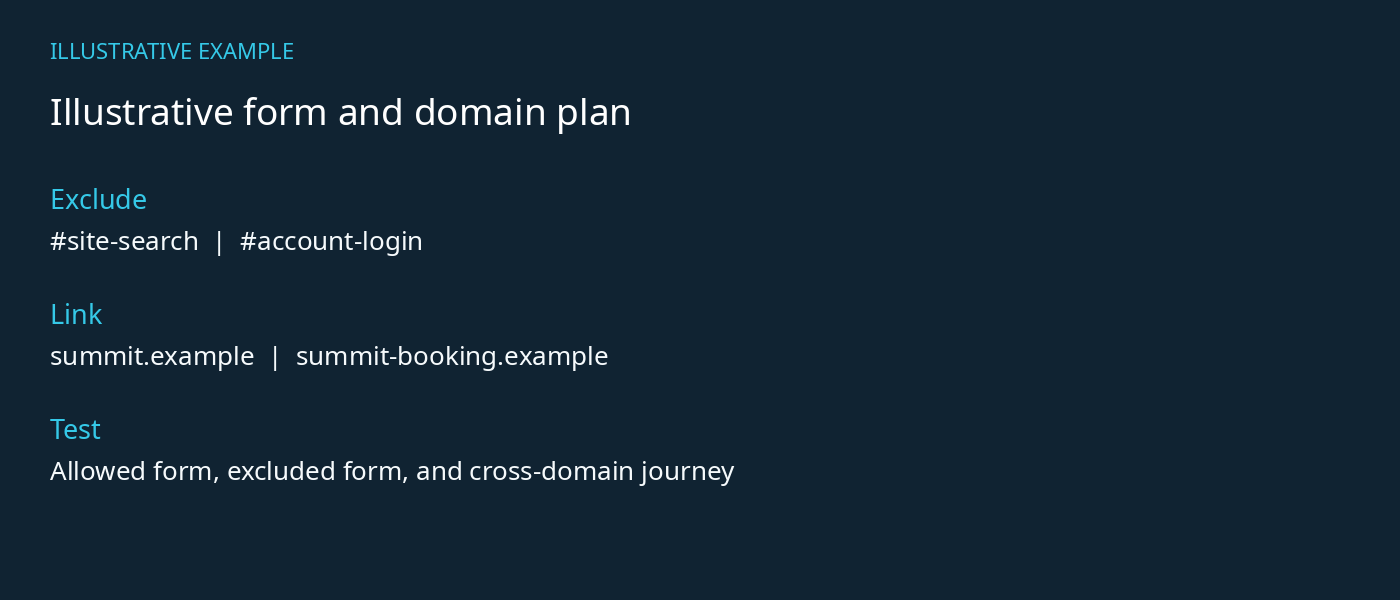
Example selectors and reserved domains only. Replace with approved site values.